
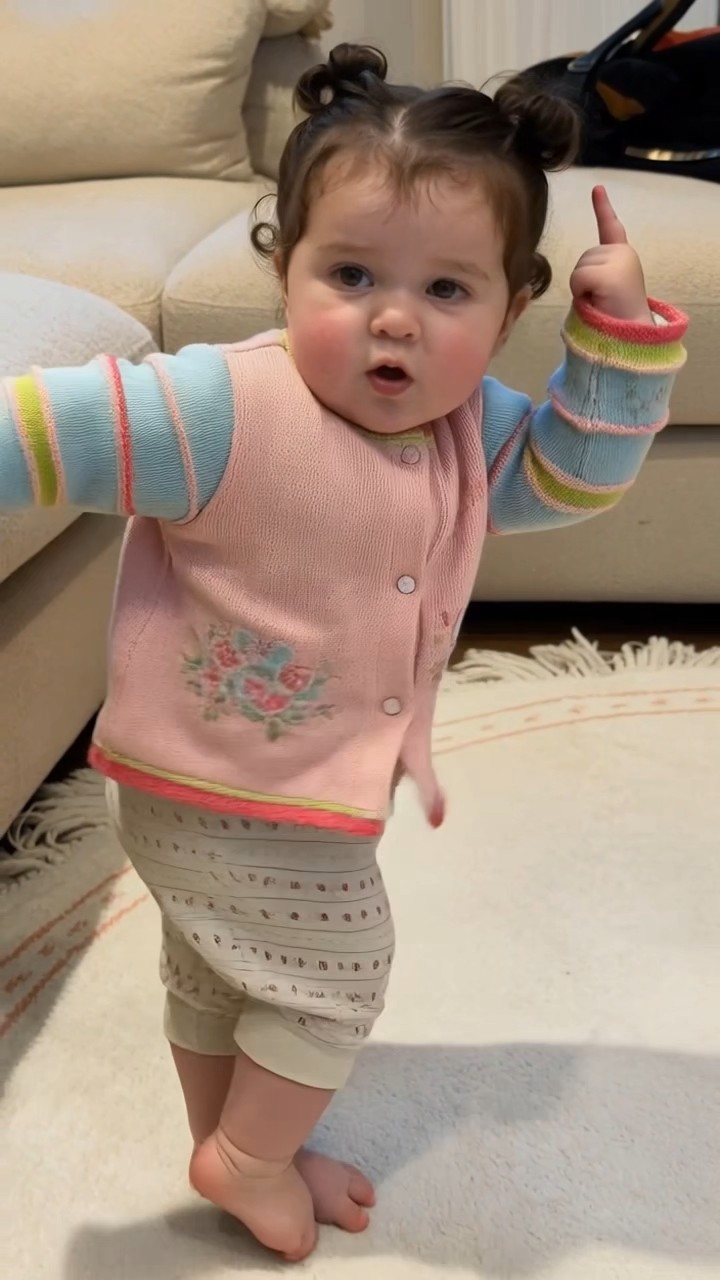
Dancing Baby
One photo turns your little one into a dancing baby.
One photo turns your little one into a dancing baby. Upload a clear full-body photo and AI recreates this routine for you. Powered by Kling Motion Control.
Make it yoursHow to make the Dancing Baby video
- 1
Pick this template
Open "Dancing Baby" on AI Pop Video — the motion and style are already dialled in.
- 2
Upload your photo
Add a clear, front-facing photo. For duo effects, add one photo per person.
- 3
Generate and share
The AI renders your video in minutes. Download it and post straight to TikTok.
Create your video
1Choose your look
2Add your photo
Loading template details…
Use photos you have permission to use.
Who is this template for?
Dancing Baby is perfect for parents and grandparents who want an adorable, share-worthy clip of their little one. Baby dance videos are among the most-shared family content on TikTok and Instagram — one photo of your child becomes a giggle-inducing video the whole family group chat will replay. It also makes a lovely digital keepsake for birthdays and milestones.
Photo tips for the best result
- Choose a photo where your child is standing or fully visible — full-body shots animate much better than close-ups.
- Natural daylight photos work best; avoid strong shadows across the face.
- A simple background (wall, crib, grass) keeps the focus on your little dancer.
Frequently asked questions
Is it safe to use my child's photo with Dancing Baby?
Your uploads are used only to generate your video and are never shared or used as public training data. You keep full control of the result and can delete your content anytime.
How long does the video take and what does it cost?
Generation usually takes 2–5 minutes. This template creates a 5-second video for 50 credits, and failed runs are refunded automatically.
What kind of baby photo works best?
A full-body photo where your child is standing and facing the camera works best. Good daylight and a simple background make the dance look even smoother.


